Simple activities. Colorful little moments.

Free Printable Ten Frame: Build Numbers and Make Ten
Use a free printable ten frame for counting, comparing and making ten. Includes two blank frames, a recording area and worked activity examples.

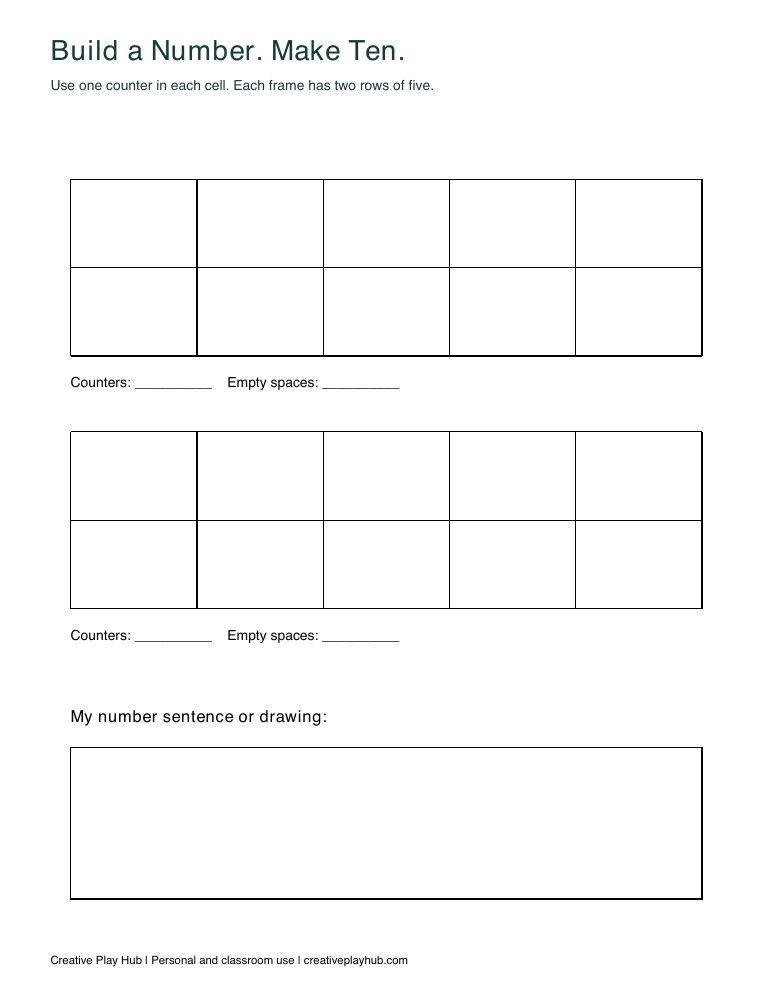
A free printable ten frame gives children a consistent place to arrange up to ten counters. Each frame has two rows of five spaces. This page offers two blank frames and a recording area, so you can explore a number, compare two arrangements or find how many spaces remain. Begin with one frame and a small quantity rather than introducing every activity at once.
Download the blank frames
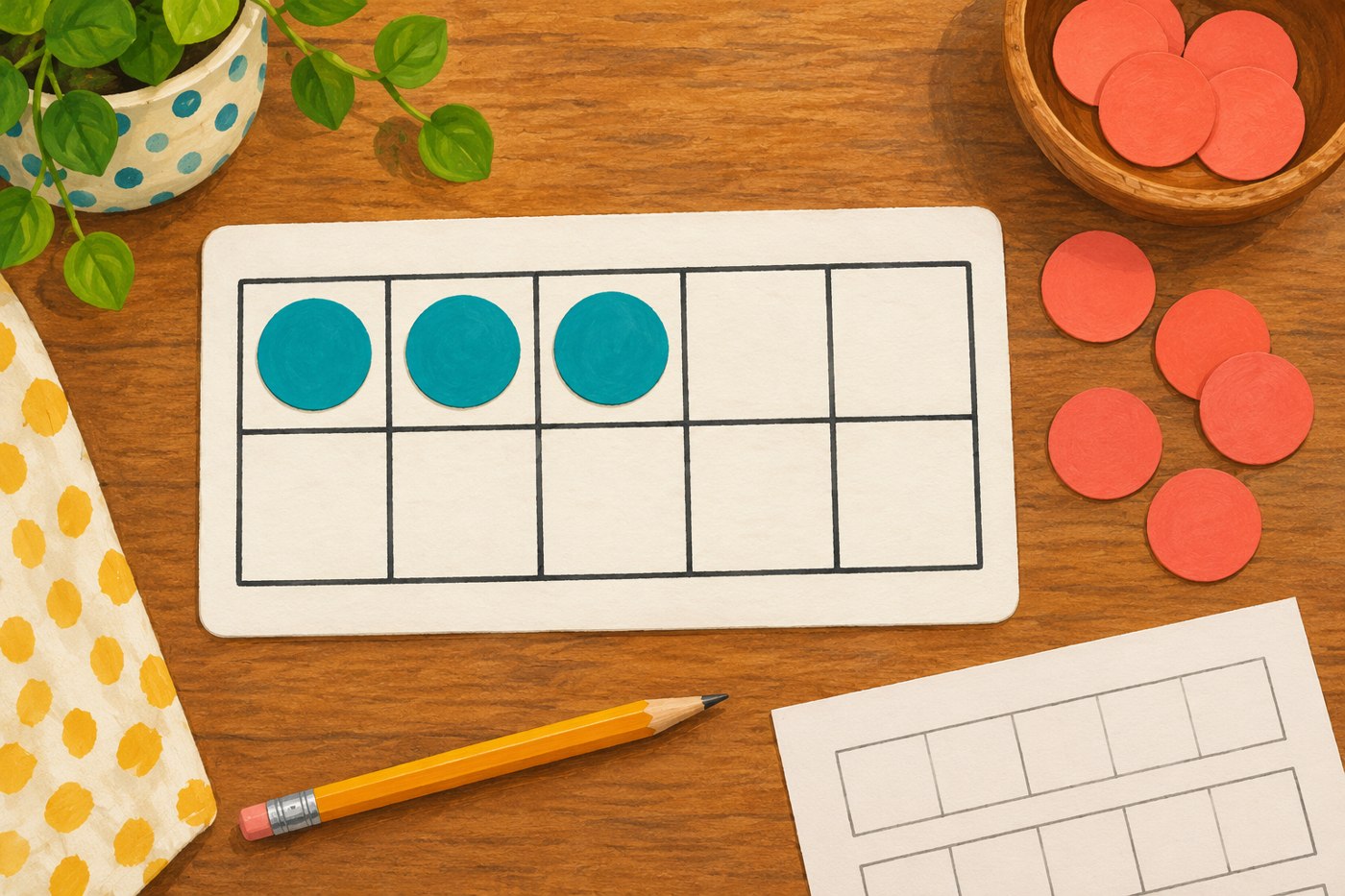
The PDF is one black-and-white US Letter page with two ten frames. For A4, select Fit to page. It contains no loose pieces to cut out: supply your own suitable counters or draw marks directly in the cells. The illustration is separate from the actual printable preview.
Large paper circles work well. Choose materials appropriate to the children using them, and avoid small loose objects with children who may put them in their mouths. An adult can draw circles in the cells when manipulatives are unsuitable.
Start with one counter in each space
Place three counters in the top row, beginning at the left. Touch each counter once as you count. Ask how many are there, then count again if needed. There is no need to hide the frame or demand an immediate answer.
Use the same left-to-right starting arrangement for early examples so the layout stays familiar. Show that three counters still make three when moved to different cells, provided none are added or removed. Return to the organized row before trying a new quantity.
Use the full top row as a reference
Fill the top row with five counters. Add two in the bottom row. Count all seven, then describe the arrangement as “five on top and two below.” If the child wants to count every counter each time, let them; the frame remains available to check.
Compare seven with six by removing one of the bottom counters. Ask what changed and what stayed the same. The top row is still full, but the bottom row has one fewer counter. Keep this a conversation about visible objects, not a speed test.
Find how many more make ten
Put six counters on a frame: five on top and one below. Count the four empty spaces. Fill those spaces with a second color and say, “Six and four fill ten spaces.” Use the recording area to write 6 + 4 = 10 if that notation is useful for the learner.
Try eight next. With five counters in the top row and three below, two spaces remain. Adding two gives ten. Include zero and ten later: an empty frame needs ten counters, and a full frame needs zero more. Those cases are easier to understand when demonstrated.
Compare two frames without a race
Build four on the first frame and seven on the second. Pair matching occupied cells visually or point to them in order. The second frame has three extra counters. Ask which has more, then invite the child to make the amounts equal by adding or removing counters.
If counting becomes muddled, remove the second frame from view and return to a smaller number. If two counters enter one cell, spread them into separate spaces before discussing empty cells. The one-counter-per-cell rule is what makes the space comparison useful.
Finish with one child-chosen number
Invite the child to choose a number from zero to ten, show it on a frame and explain any part of their arrangement. Keep the page for another day; a few clear examples are more useful than filling every space just to finish a worksheet.
For a different number representation, see our counting cards. Our paper-tile measurement activity offers another way to count objects for a purpose. Free for personal and classroom use.
[…] place. If drawn arrows become crowded, use the paper pointer on a fresh print instead. Try our ten-frame activities to compare this number path with a quantity model, or use counting cards for matching numerals to […]